Build Your Own Dashboard: Drag-and-Drop Customization for Every User
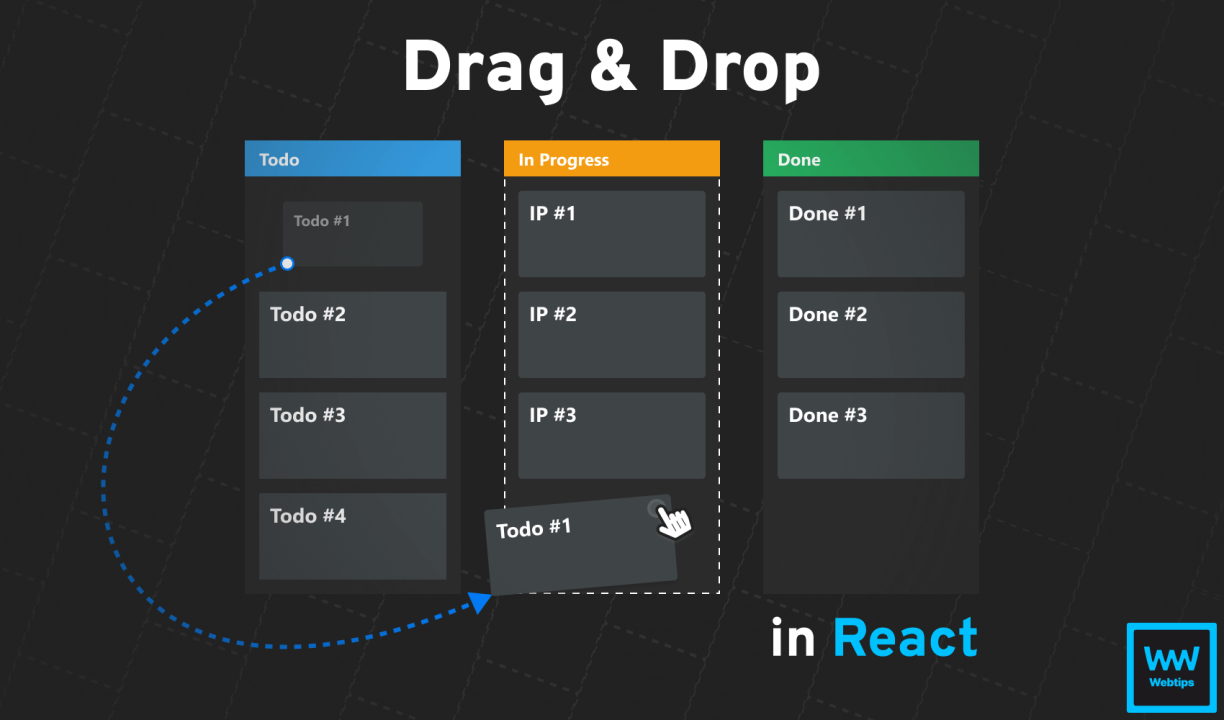
No two people use the same business software the same way. An owner glancing at total sales cares about completely different numbers than a recovery officer who lives inside the pendency report all day. Most business software forces everyone into the same fixed layout regardless of their actual job. Instalify's new Drag & Drop Customization does the opposite — it lets every user shape the software around how they personally work, with no developer and no buried settings menu required. Your dashboard, your order The summary cards on the dashboard — Customer & Account, Lease Sales, Received Installment Payment, Recovery Collection — can simply be picked up and dragged into whatever order matters to you. Want recovery numbers front and center the moment you log in? Drag that card to the front. Your layout is remembered automatically on your own device from then on, and a one-click Reset button appears the instant you've customized anything. Your sidebar, your workflow The full sidebar menu works the same way — every top-level section, from Customers to Reports to Administration, can be dragged into the order that matches your daily routine, on both desktop and mobile. A recovery-focused staff member can pull Daily Reports to the very top; an inventory manager can bring Product right under Dashboard. Nothing gets removed this way — every module you have permission to see stays fully accessible; only its position changes. Reports: hide the noise, keep the signal This is where customization matters most, because reports are where information overload actually hurts productivity. Every major report — Pendency Report, Pendency Report 1, the Daily Installment Sales Report, the Installment Report, and the Recovery table inside Daily S&R Summary — now has fully drag-and-drop columns. Grab any column header and drag it to reorder it. Don't need the Profit % column today, or the Guarantor column on this particular view? Drag it straight into the "Removed Columns" box and the report instantly gets cleaner. Change your mind later? Drag it back out (or just click its ) and it returns exactly where you drop it. A locked "Sr#" column always stays, so a report can never accidentally become an unreadable, columnless mess. Personal, automatic, and safe Every customization — dashboard order, sidebar order, and every report's columns — is personal to each individual user and saved automatically on their own device, with zero setup required. Two staff members at the same branch, using the same software, can have completely different dashboards and completely different report layouts, each tuned exactly to how they individually work. Business software should adapt to the person using it — not the other way around. That's the whole idea behind this feature.